Digital menu management
Define venue categories and items with price, description, and images. Edit structure in the panel. Changes reflect on the guest view instantly.

QR Menu
Manage categories, items, stock, and translations from one panel. Guests reach the menu via QR.
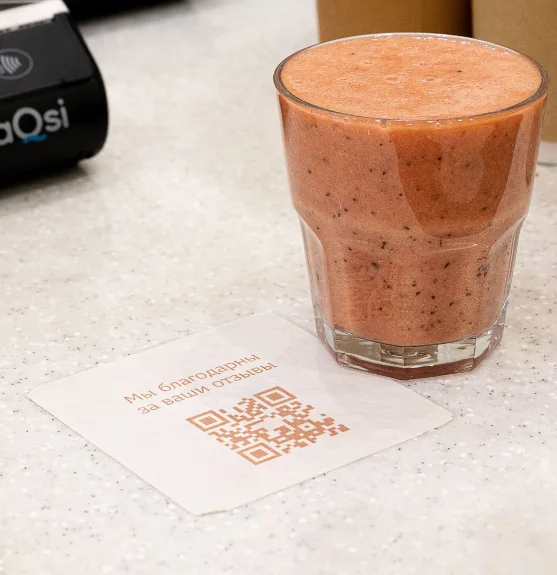
Digital menu, QR access, and kitchen sync. Most venues go live the same day.
Let guests reach the menu from the table and route orders to the right station. Without printed menus or manual relay.
Price, stock, or new item changes apply at every table in seconds. Print costs and outdated menu risk disappear.
Guests open the menu on their own phone for hygiene and speed. Place the QR on tables, sunbeds, or cabanas.
Product detail, images, and category browsing raise average basket value. Team coordination is clear before orders hit the kitchen.
Get started
Submit the form or request a callback and we will set up your venue profile together. No commission — guests book with you directly.
Connect your calendar, floor plan, and booking channels: website widget, Google Business Profile, and WhatsApp link. No-code embed — most venues go live the same day.
Go live with instant guest confirmations, team alerts, and automated reminders across SMS, email, and WhatsApp. Start accepting reservations around the clock.
From category browsing to stock control, item detail to kitchen sync. Guests and staff stay on the same flow.
Guests browse categories quickly. Popular and featured items stand out. Menu structure fits your venue.
One QR opens the venue menu. No app required. Mobile-friendly UI delivers a consistent experience on every device.
Image, description, allergen note, and price on one screen. Guests add to cart. Nothing hits the kitchen until they confirm.
Mark items unavailable instantly. Allergen info is transparent to guests. The menu stays current without waiter intervention.
Each order lands on kitchen or bar display by prep station. Service, kitchen, and bar teams share the same live queue.