Multi-venue support
Define multiple venues under one company account. Each has independent map, zone, menu, and reservation settings.

Multi-Venue Management
Restaurant, beach, and club venues with separate URLs and maps. Cross-venue reports in one panel.
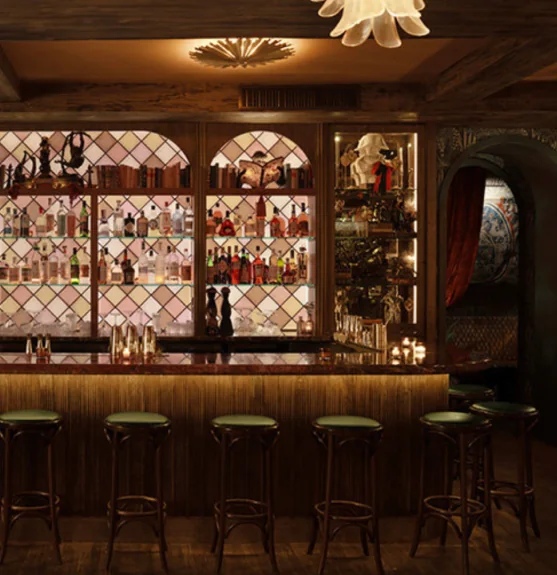
Multi-venue management, per-venue booking URLs, and cross-venue KPI reports.
Venue creation, picker, plan limits, and cross reports work together. Central management, per-venue flexibility.
Define multiple venues under one company account. Each has independent map, zone, menu, and reservation settings.
Switch instantly via venue picker on admin, operations, and report screens. Active venue stays consistent.
Add venues up to your plan location limit. Plan upgrade required when limit is reached.
Separate operating hours, zones, map, menu, and booking rules per venue. Central brand, local flexibility.
Guest landing shows venue picker routing to the right venue. One subdomain, multiple venues.
Occupancy, channel, and no-show reports for all venues or one venue. Compare group performance.
Adding a new venue area to your business takes minutes. Group reports and unified guest profiles cover every space.
Define dining room, terrace, beach, or VIP zones within one business. Each area gets its own map, menu, and booking flow.
Compare occupancy and revenue across all venue areas in one panel. Act early when a space underperforms.
Dining room, terrace, and beach run different hours, maps, and booking rules under one brand. One business, area-specific ops.
Get started
Submit the form or request a callback and we will set up your venue profile together. No commission — guests book with you directly.
Connect your calendar, floor plan, and booking channels: website widget, Google Business Profile, and WhatsApp link. No-code embed — most venues go live the same day.
Go live with instant guest confirmations, team alerts, and automated reminders across SMS, email, and WhatsApp. Start accepting reservations around the clock.
From location switcher to unified guest profile, group dashboard to consolidated reports. Central management flow.
Switch between dining room, terrace, or beach in one click. Operations and reports update instantly for the selected area.
Guest history in one card — whichever area they booked. Personalized welcome ready in every space.
See occupancy, revenue, and web share for all areas side by side. Weekly trends and top performer at a glance.
Occupancy and channel reports for one area or the full business. Management-ready summary — export in one click.
Venue area cards on your booking site. Guest picks a space and lands in the right reservation flow automatically.