Order management
Requests from QR menu, digital orders, and table checks merge in one queue. Order status updates across columns.

Kitchen & Check Management
Table checks and digital orders land on the same kitchen display. Bar station routes separately.
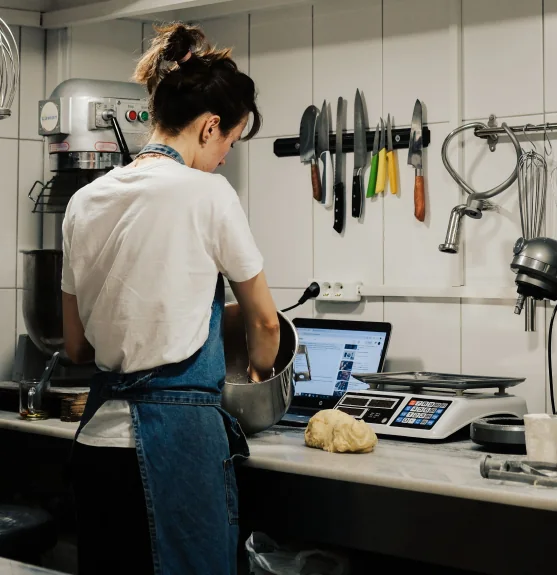
Open checks, kitchen display, and bar routing. Real-time order flow.
Orders, kitchen display, bar display, and check closing work together. Every station follows the same live queue during peak service.
Requests from QR menu, digital orders, and table checks merge in one queue. Order status updates across columns.
Kanban columns: Incoming, In Progress, Ready. Kitchen team updates status via drag-and-drop or click.
Cocktail and drink orders route to bar station. Bar team tracks its own queue on a separate screen.
View open checks linked to tables, add items, and close payment. Spend note written on reservation close.
Digital orders linked to confirmed reservations and table checks share the same operation scope. Open check from reservation detail.
Kitchen, bar, and service screens update in real time. Delays and paper ticket relay disappear.
Route orders to the right station and close checks from one screen. Clear waiter-kitchen coordination.
Orders hit the kitchen display instantly. Waiters carry no paper tickets. Ready orders notify service team.
Each item routes to kitchen or bar display by prep station. Wrong-station order risk reduced.
Service, kitchen, and bar share the same live queue. Status updates sync across all screens.
Get started
Submit the form or request a callback and we will set up your venue profile together. No commission — guests book with you directly.
Connect your calendar, floor plan, and booking channels: website widget, Google Business Profile, and WhatsApp link. No-code embed — most venues go live the same day.
Go live with instant guest confirmations, team alerts, and automated reminders across SMS, email, and WhatsApp. Start accepting reservations around the clock.
From open checks to kitchen queue, bar screen to ticket printing. Your team stays on one flow.
Open table-linked checks, add items, and close payment. Spend note saved automatically.
Kanban kitchen display with Incoming, In Progress, and Ready columns. Drag-and-drop status update.
Each menu item auto-routes by prep station: grill, bar, cold kitchen.
Kitchen, bar, and service displays follow the same order flow with station-specific views.
Pending, preparing, and delayed order counts update live. Teams stay focused during peak service.